- Work
- Pipeline
ContentHQ
My content operation as code: trends in, scripts out, and finished vertical videos rendered on my own Mac.
- Type
- Pipeline
- Year
- 2026
- My role
- Architecture, engineering, video design
- Status
- Personal tool
- Built with
- Next.js
- Postgres
- Python
- Kokoro TTS
- Whisper
- ffmpeg
ContentHQ is the system behind my videos. It finds what is worth talking about, helps me write the script, and renders the finished reel, all without a video editor open. I built it because most of the time that goes into a short video is mechanical, and mechanical work is what code is for.
Three parts
Pulse: what is trending right now
A personal dashboard that pulls about 27 news feeds and 6 “buzz” sources, groups the items into topics, and scores them. I read it as swipeable cards and go from a topic to a script in one tap.
- Items are clustered by headline keyword overlap inside a 48-hour window.
- The score mixes recency (a 12-hour half-life), how many independent outlets carry the story, and how much buzz it has.
- Each topic stores titles, links and a 60-word summary written by a small Claude model. Article text is never stored or shown.
- Built with Next.js, Tailwind and Postgres, with scheduled jobs for ingesting and pruning. It sits behind a password with a signed session cookie and throttled logins.
The reel engine: one JSON file in, one finished reel out
I write a single reel.json with the scenes. The engine does the rest on my Mac, with no API calls and no AI tokens per video:
- Voice. Each scene is spoken by Kokoro, a local text-to-speech model.
- Word timing. Whisper listens to the voice track, so every caption word gets its exact start time.
- Timeline. Markup in the text becomes caption blocks, and cues like
"@fourteen"fire a widget on that spoken word. - Frames. A web page draws any moment of the video from
seek(t), and headless Chrome captures every frame. - Audio and encode. Voice, a quiet music bed and sparse sound effects are mixed and normalised, then encoded to a 1080×1920 H.264 file.
A 55-second reel renders in about two to three minutes. Before rendering, a 20-second “stills” pass gives me contact sheets to check.
Stream to shorts
A five-step pipeline that takes one livestream link and produces one to three reviewed shorts. Every step writes a file the next step reads, and every step ends with a review in ClipsHQ.
Why it’s built this way
- Files between steps. A fix later on means editing one file, never redoing the steps before it.
- Local where it’s cheap. Voice, timing and rendering cost nothing per video, so I can iterate freely.
- A human gate at every step. AI proposes the clips, the plan and the edit. I approve, reject or nudge each one.
What I learned
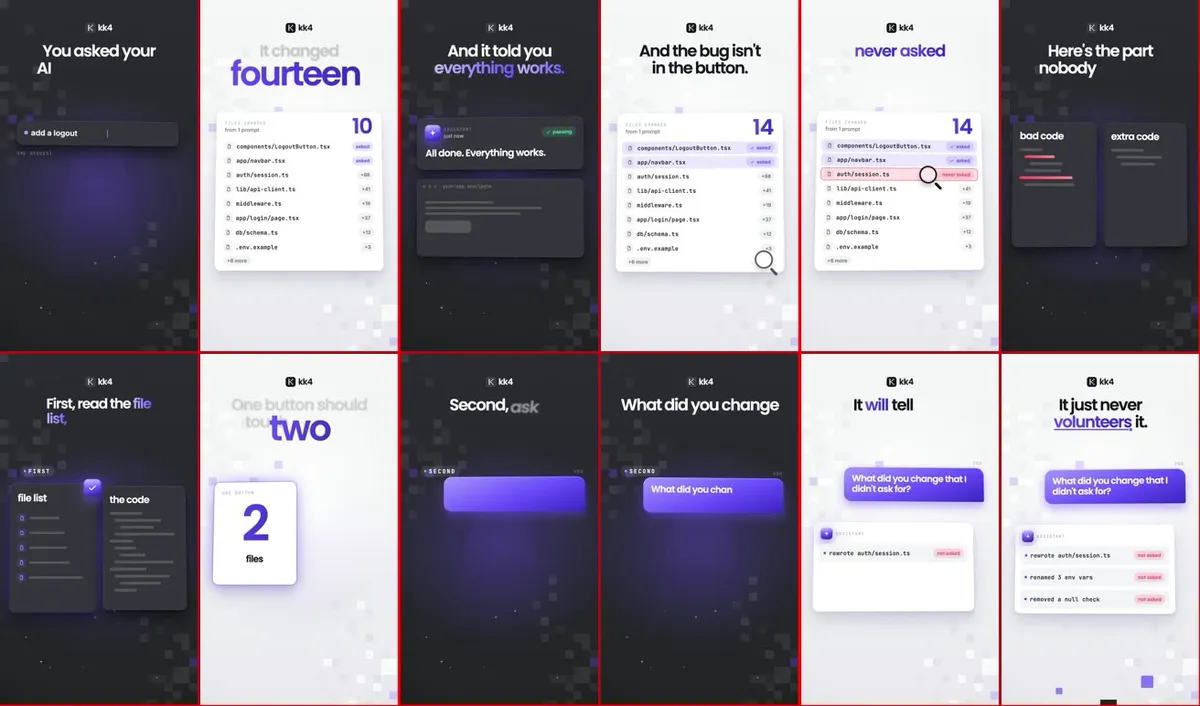
The video style lives in three files: a stylesheet, a caption engine and a set of widgets. Treating video as a web page that can draw any timestamp made it testable. I can open a preview in a browser, change a colour, and see the reel update before spending minutes on a render.
Hiring, or building something?
I'm open to software engineering roles and interesting collaborations. I work remotely from Nagpur and I'm used to teams spread across time zones.